Waiting room display
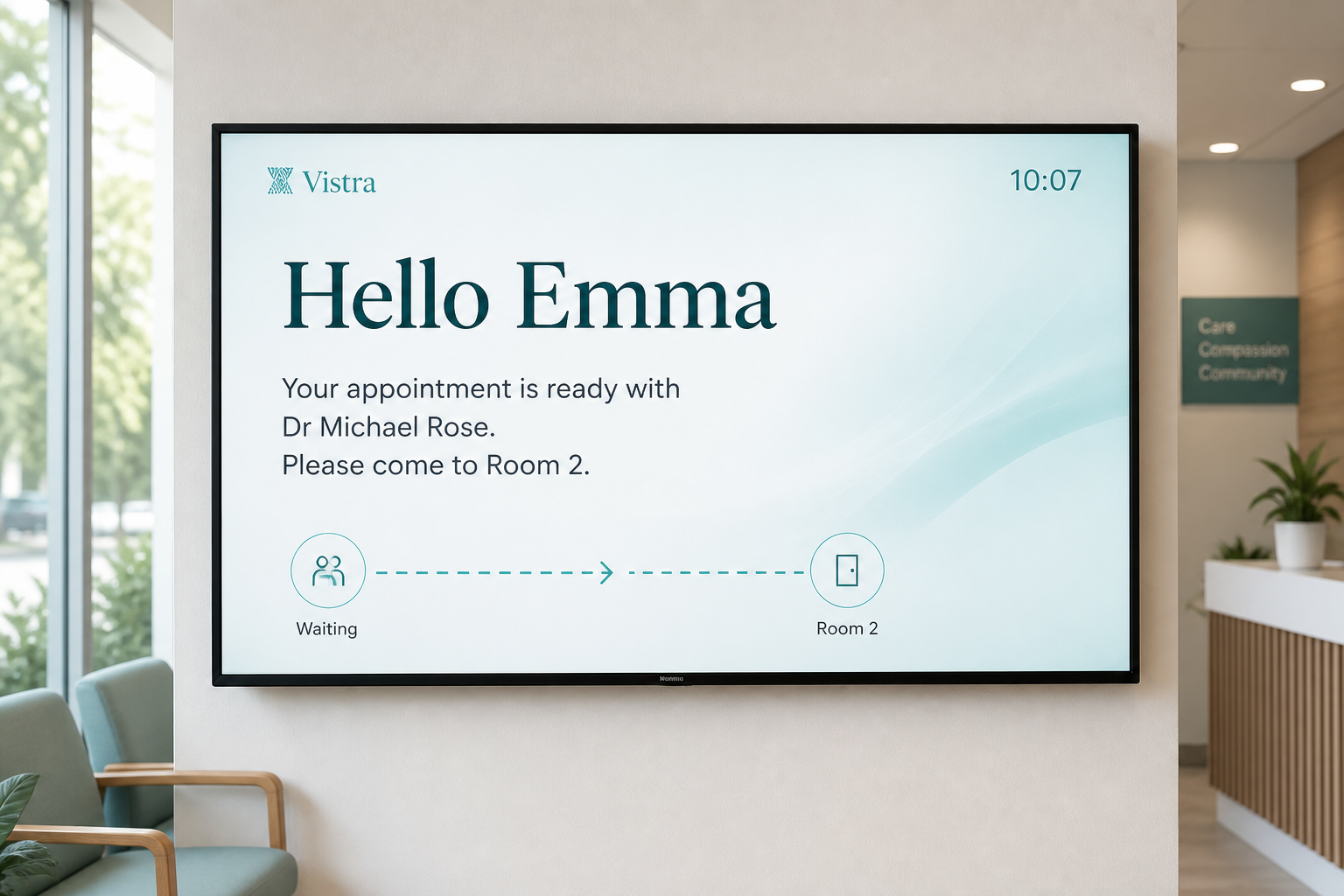
Install the Waiting Room app on the TV PC, or open HDMI from the clinic PC. Themes, fonts, colours, and layouts stay in Vistra System.
 Vistra System
Vistra System by Welltime
Windows software for clinic call-in. Install Vistra System on the doctor PC, and the Waiting Room app on the TV PC.
How it works
Three steps that replace shouting a name across the waiting room.
Reception check-in updates the clinician list so arrived patients are ready to call.
Patient name, room, and directions are sent to the waiting room display immediately.
Large on-screen text, optional voice, and room media guide the patient — including multi-doctor clinics.
Capabilities
Everything your practice needs for waiting room call-in — clinic app, waiting-room TV app, and Clinician Hub.
Install the Waiting Room app on the TV PC, or open HDMI from the clinic PC. Themes, fonts, colours, and layouts stay in Vistra System.
Today’s appointments, room selection, Call In, and optional chair-side widget.
Simultaneous call-ins are queued and played in order so messages are not overwritten.
Enable clinics, manage users, and monitor live usage from the web console.
Who uses it
Clear roles for reception, clinicians, patients, and your platform team.
Install Vistra System, set the waiting room, and keep the clinic PC running during the day.
Work from Clinician Hub: appointment list, room context, and one-tap Call In.
See a clear, branded announcement — name, clinician, and where to go.
Enable clinics and review usage from the Vistra web admin.
Display
Each announcement shows the patient name, clinician, and room — readable from across the waiting area.
Download the Windows installer, follow the setup guide, or book a short product demo with Welltime.
Choose a date and time. We will confirm by email.